EMMC&ISP PLUS
¥155¥105 without socket
- Type-C USB 2.0
- X1 / X4 wiring + X8 socket
- VCCQ 1.8 / 3.3V
- BGA153 eMMC
UAVRC EMMC UFS Tool puts disk scanning, partition read/write and backup restore into one desktop workflow. Back up first, then write — progress, speed and ETA stay visible.
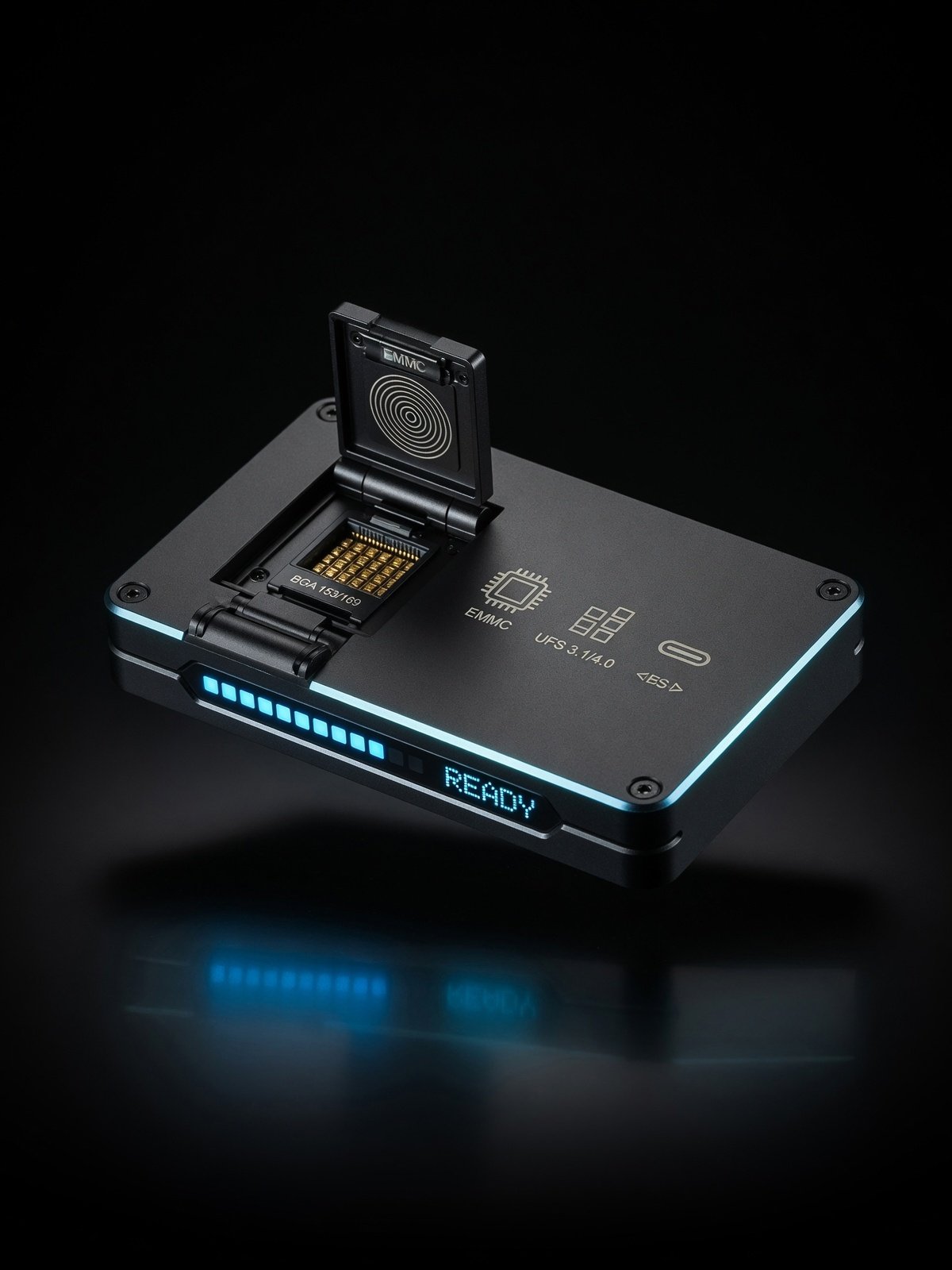 Concept render
HOST SOFTWARE
No model templates, no repair-for-you promises. What UAVRC ships is a verifiable read-write job: see the partitions, back up, then write, and stop when you need to.
Job steps
Scan
Backup
Write
Verify
Partitions
Speed mode
Physical disk · GPT
eMMC / UFS · partition table detected
0x2F0A0000 17 69 A1 75 0A 02 96 73
LOG offset 0x2F0A0000 · length 512MiB · mode balanced
This window is an interface render. Real speed depends on the programmer model and speed mode; the client is the source of truth for the UI.
Scan the physical disk and analyse the GPT layout. Partition export is read-only; backup-then-write always backs up first; you can also restore from a backup.
Read and write by offset + length across the whole disk, for cases that need an exact region.
Speed modes (auto / conservative / balanced / fast); live progress, speed, ETA and stage; aborting asks for confirmation and does not roll back data already written.
HARDWARE
This site is about the software. The prices and packages below come from the hardware datasheets — full photos and scenarios live on the product site. Every device purchase includes 30 days of UAVRC EMMC UFS Tool.
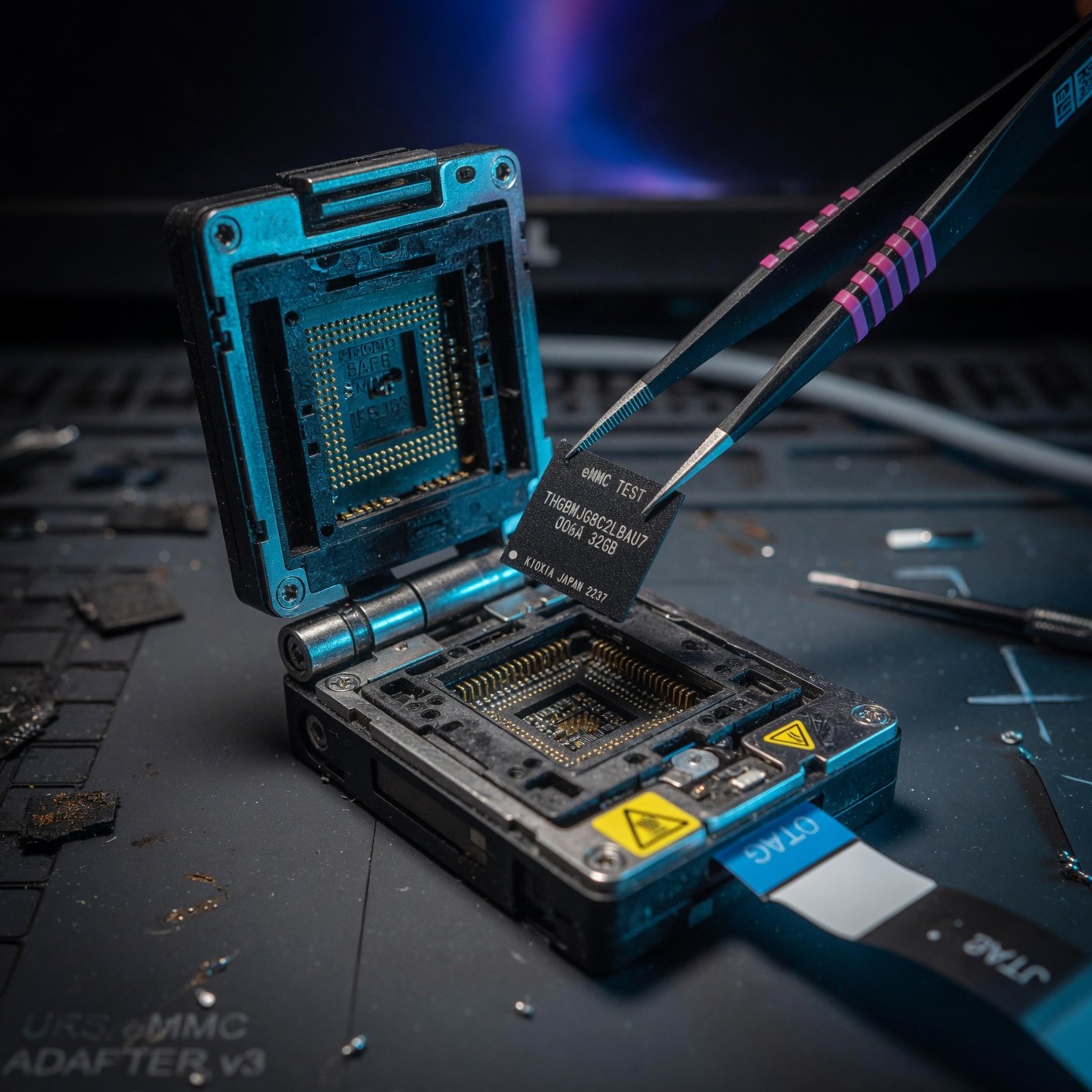 Scene render
SOCKET MODE
Chip in the socket, backup at device speed.
150–350MB/s
depends on the model
Uses the matching eMMC / UFS probe socket. Speed depends on the model: around 150MB/s for U3, 250MB/s for EMMC PRO and 350MB/s for UFS PRO.
eMMC uses the mainstream BGA153 package; UFS supports BGA153 / BGA254.
UFS 2.0 / 2.1 / 3.0 / 3.1, depending on the model.
VCC, VCCQ, GND, CMD, CLK, DAT — voltages per the datasheet.
Every device purchase includes 30 days of UAVRC EMMC UFS Tool.
CLOUD VAULT
uavrc-user-space
Per-account
sign in anywhere to reach it
500 GB
Lifetime tier cloud quota
CLOUD VAULT
The cloud vault is private object storage per account (bucket uavrc-user-space) used to sync device profiles and files after sign-in. It is not a public drive and does not replace local backups.
Files belong to the signed-in user. Sign in on another machine to reach what you synced.
20GB weekly, 100GB monthly, 250GB yearly, 500GB lifetime. If a license key carries its own quota, the larger value wins.
Keep a local backup before writing to a real disk. Aborting does not roll back sectors already written.
The desktop client has cloud and file management screens; nothing syncs while you are signed out.
IN-APP STORE
After a clean install the “Installed” list is empty. Opening app management silently syncs the store manifest; nothing touches your machine until you press Install. Apps run in an embedded WebView.
01
The client fetches the store manifest over HTTPS and caches the app list and navigation allowlist.
02
Install from the plaza or the popular list; installed apps sit next to the browser in the main area.
03
Apps with sellable SKUs can be purchased after sign-in by duration × edition; the key is issued immediately and can be pasted into the web app.
Listed
UavrcPcb-Web
PCB-related web app, currently listed as the reference example
Store license keys only cover web apps — they do not grant desktop core tool membership. Desktop read/write runs on membership or a desktop license key; the two are billed separately.
WHY UAVRC
Scan GPT, export partitions, backup-then-write, restore from backup, whole-disk offset + length — every step reports progress, speed and ETA, and every step can be aborted. That verifiable workflow is what you are paying for.
4 tiers
Same feature set.
Weekly, monthly, yearly and lifetime all ship the full desktop core tool. Only duration, device count and cloud quota differ.
Every release
The changelog is public.
What changed in each version is written down and kept in sync with the release checklist. No verbal promises.
4 tiers
membership options
500GB
top cloud quota
Win + macOS
supported platforms
Ask about part selection before you buy
For tricky boards, talk through the wiring and the risk first. We do not promise to fix a specific machine or to pass any inspection — writing carries risk, so back up first.
MEMBERSHIP
Prices follow the public endpoint GET /membership/plans and can be overridden from the admin console. Payment happens inside the desktop client — there is no web checkout here.
New accounts get a 7-day weekly membership on first sign-up (once per account, and once per device globally).
Try the real workflow.
Month to month, stop anytime.
The default for a working bench.
Pay once, keep using it.
| Tier | Price | Duration | Devices | Cloud |
|---|---|---|---|---|
| Weekly | ¥9.9 | 7 days | 1 devices | 20 GB |
| Monthly | ¥25 | 30 days | 3 devices | 100 GB |
| Yearly | ¥199 | 365 days | 3 devices | 250 GB |
| Lifetime | ¥299 | Lifetime | 5 devices | 500 GB |
Alipay / WeChat QR payment only happens inside the signed-in desktop client. Local backups stay on your machine after a membership lapses; only the cloud quota follows the tier. Store web-app license keys and desktop membership are separate products.
FAQ
Membership, platform differences, the cloud vault and where our promises stop.
Yes. The host software is a free download and new accounts get a 7-day weekly membership (once per device). The software reads whatever disks your computer detects — without a matching programmer, do not write to a system disk.
UAVRC EMMC UFS Tool is a free download. New accounts get a 7-day weekly membership (once per device). Renewals are paid by QR code inside the desktop client.
Packages are served from object storage with the base URL resolved at runtime; membership payment only happens inside the signed-in desktop client.